Win10系統如何搭建Python 3.5.2開發環境
具體方法如下:
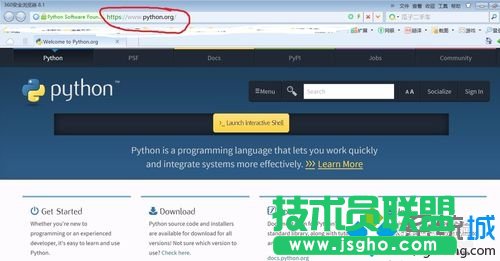
1、首先從Python官網下載安裝軟件,如下圖,輸入IP地址;
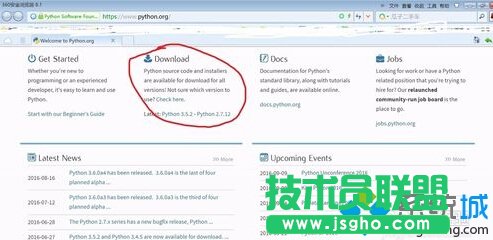
2、找到Download,單擊下面Python 3.5.2進入下載頁面;
3、點擊“windows x86-64 executable installer”進行下載;
各個版本的介紹:
(下面的都是windows系統平臺的安裝包,x86適合32位操作系統;x86-64適合64位操作系統)
下面是官網的解釋:
The binaries for AMD64 will also work on processors that implement
the Intel 64 architecture. (Also known as the "x64" architecture, and
formerly known as both "EM64T" and "x86-64".) They will not work on
Intel Itanium Processors (formerly "IA-64").
Windows users: If installing Python 3.5 as a non-privileged user,
you may need to escalate to administrator privileges to install an
update to your C runtime libraries.
Windows users: There are now "web-based" installers for Windows
platforms; the installer will download the needed software components at
installation time.
Windows Users: There are redistributable zip files containing the
Windows builds, making it easy to redistribute Python as part of another
software package. Please see the documentation regarding Embedded Distribution for more information.It is intended for acting as part of another application, rather than being directly accessed by end-users.
可以通過下面3種途徑獲取python:
web-based installer 是需要通過聯網完成安裝的
executable installer 是可執行文件(*.exe)方式安裝
embeddable zip file 嵌入式版本,可以集成到其它應用中
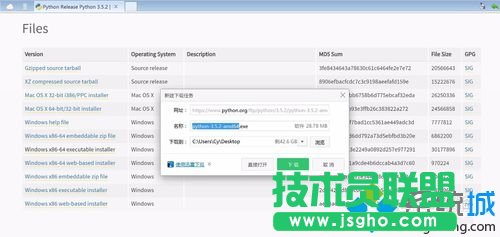
4、找到下載后的文件;
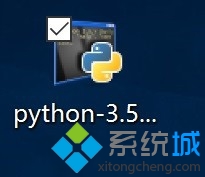
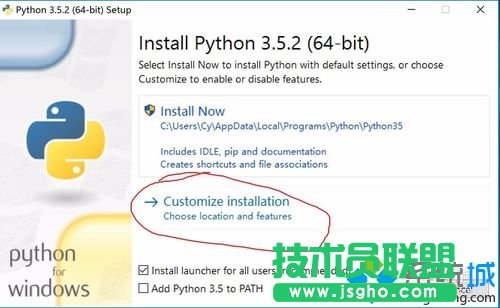
5、雙擊安裝文件,點擊下圖所示的自定義安裝“custom installation”;
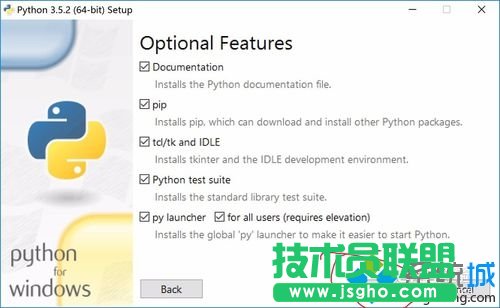
6、點擊下一步,“Next”;
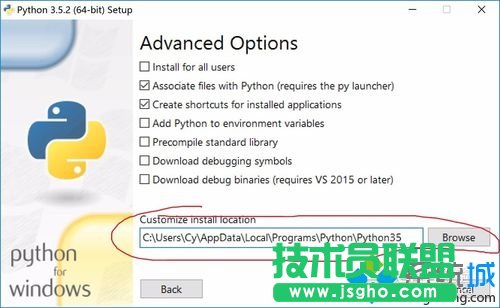
7、此處可更換安裝目錄,然后單擊安裝“install”;
8、等待自動安裝……
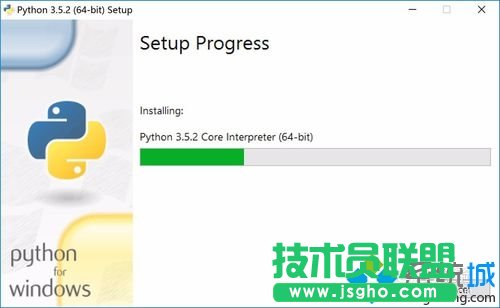
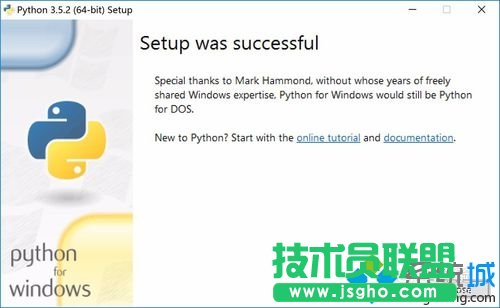
9、安裝成功!
運行測試:
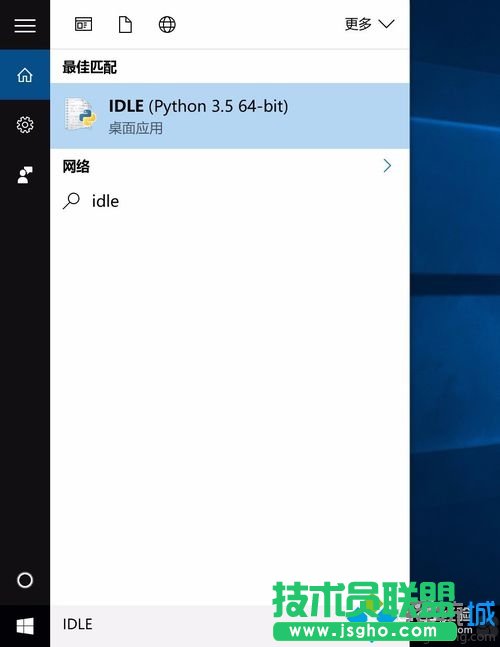
1、啟動Python shell,在“搜索Web和Windows”中輸入:idle;
2、就會啟動python IDLE,可以交互運行python;
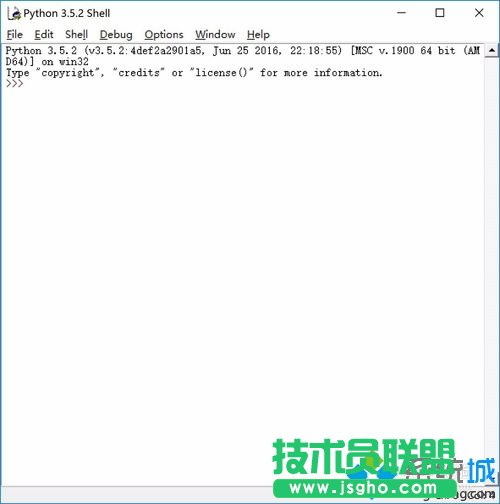
3、同樣可以按“Ctrl + N”打開IDLE開發工具,輸入程序代碼;
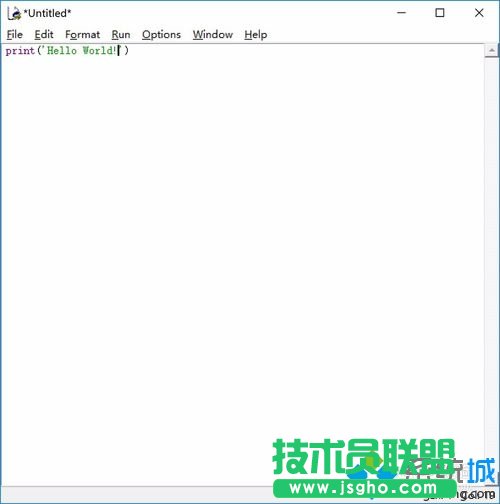
4、編寫完程序后,“Ctrl + S”保存,然后如大多數編程軟件一樣,按“F5”運行程序;
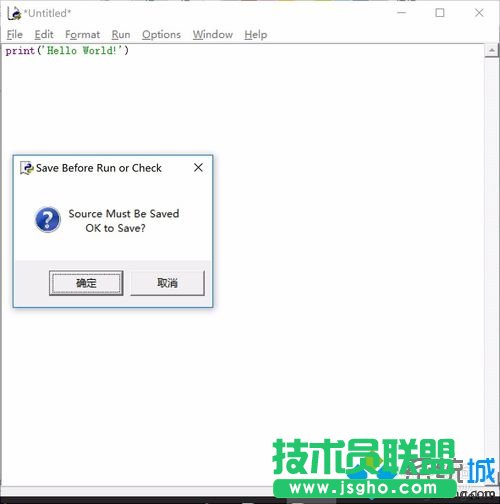
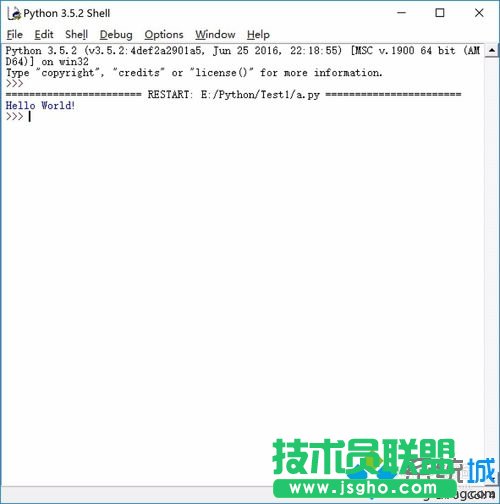
5、如果程序沒有問題,此時在Idle中打印出“Hello World!”。